Product tour
Real screens from the released app, captured with fictional ACME data in a disposable profile. Swipe each strip for a zoomed detail and a dark view, and select an image to inspect it.
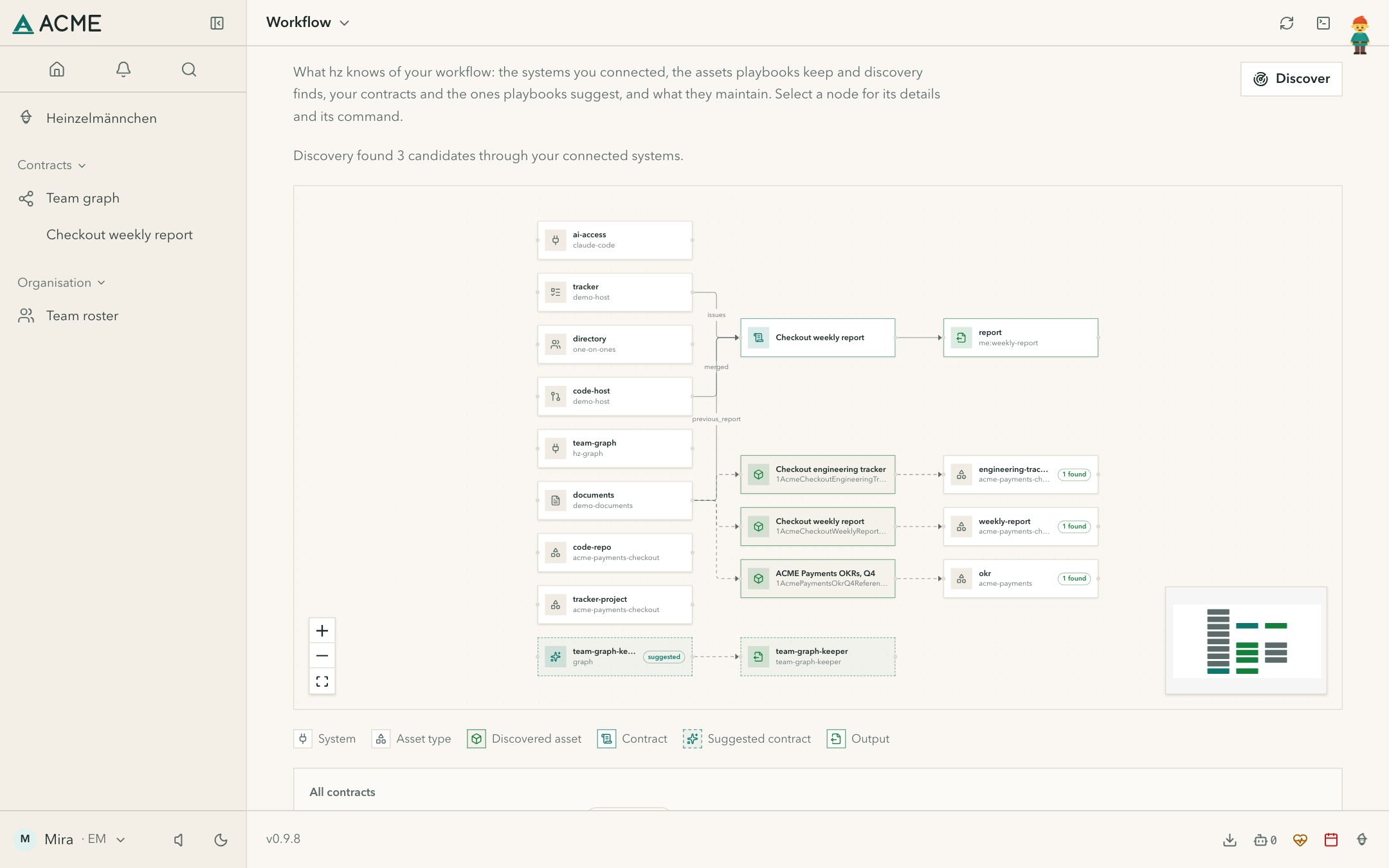
See what feeds the next piece of work.
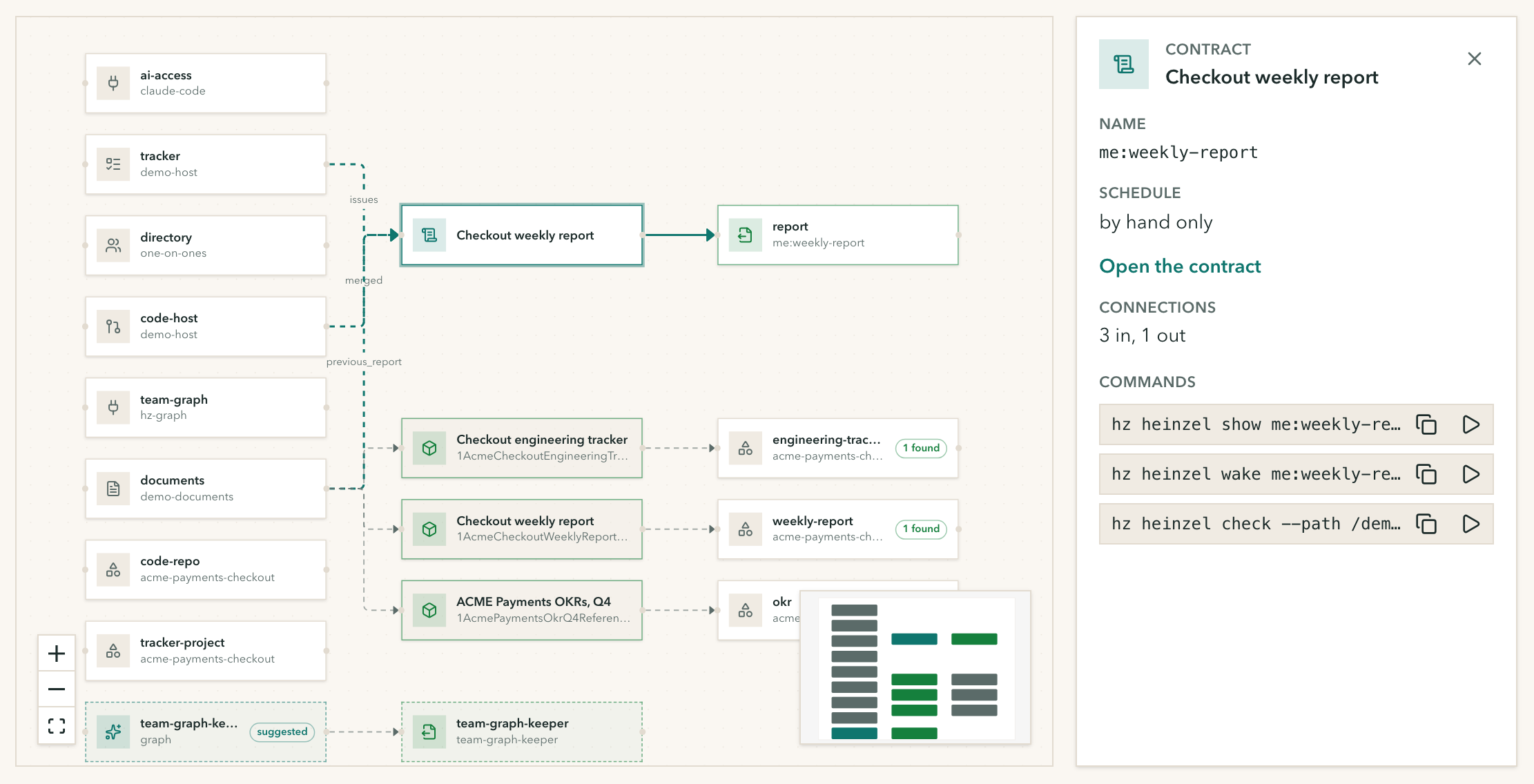
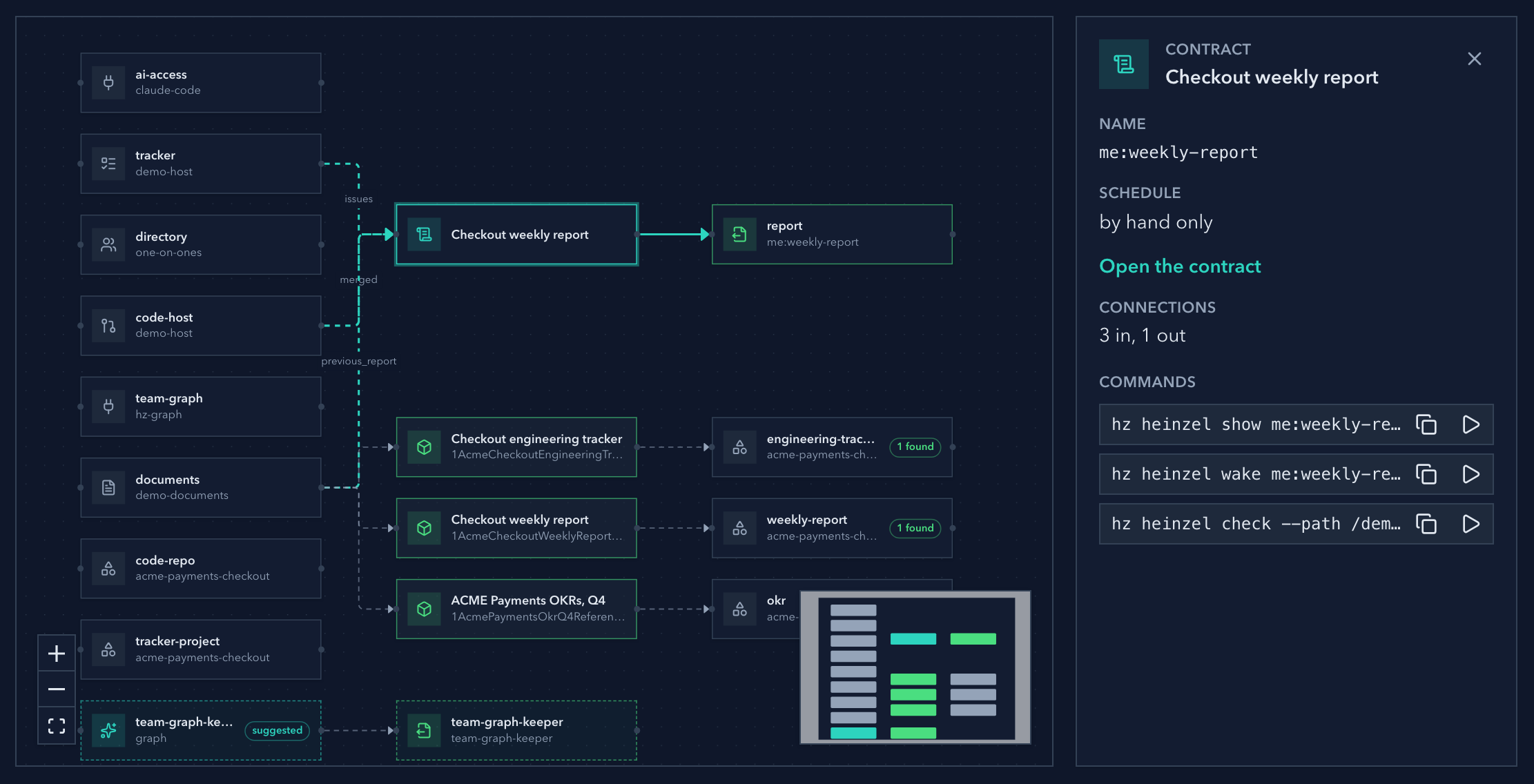
The workflow graph shows the systems you connected, the assets found through them, a contract and the output it maintains.

Swipe or scroll sideways. Select an image to zoom and inspect it.
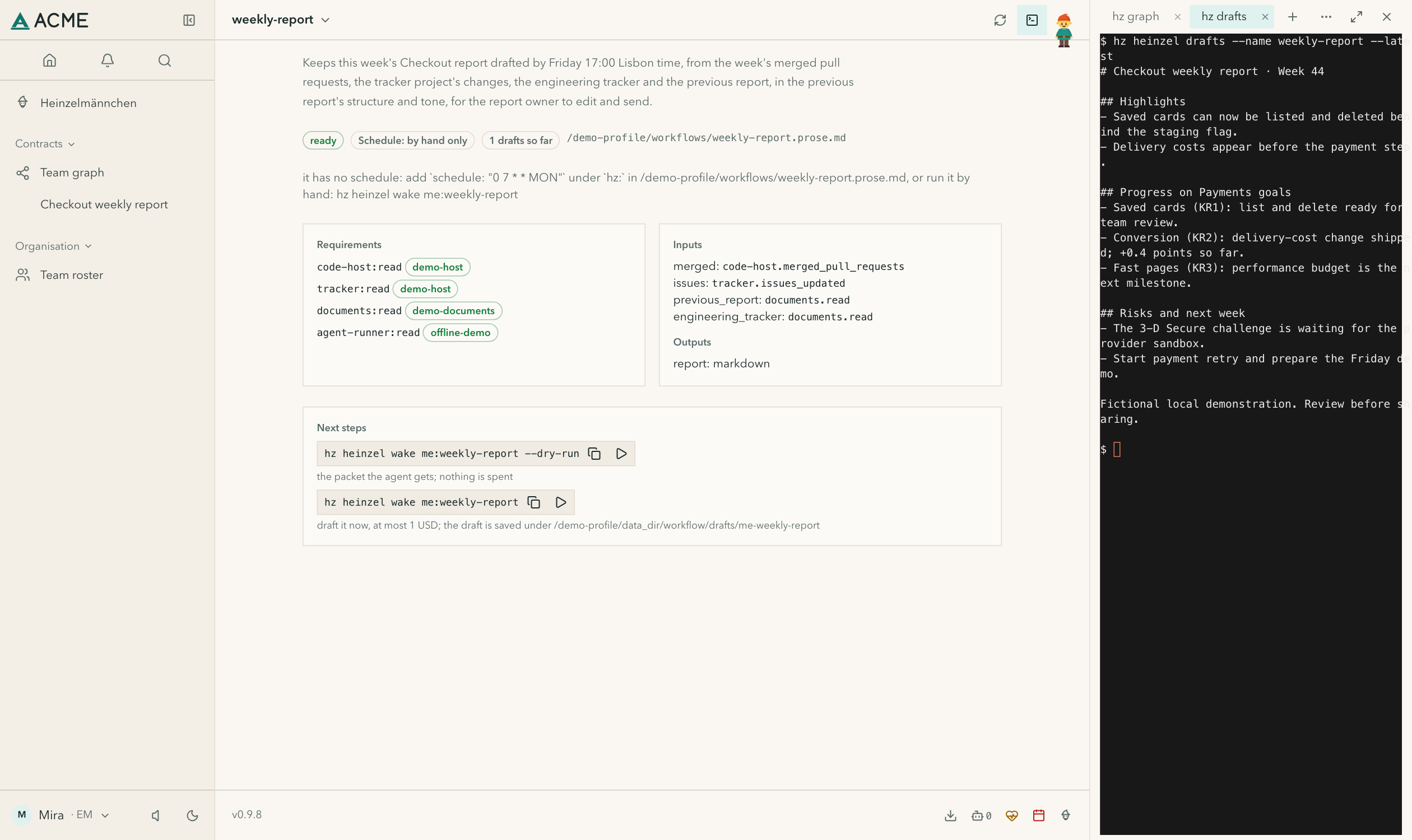
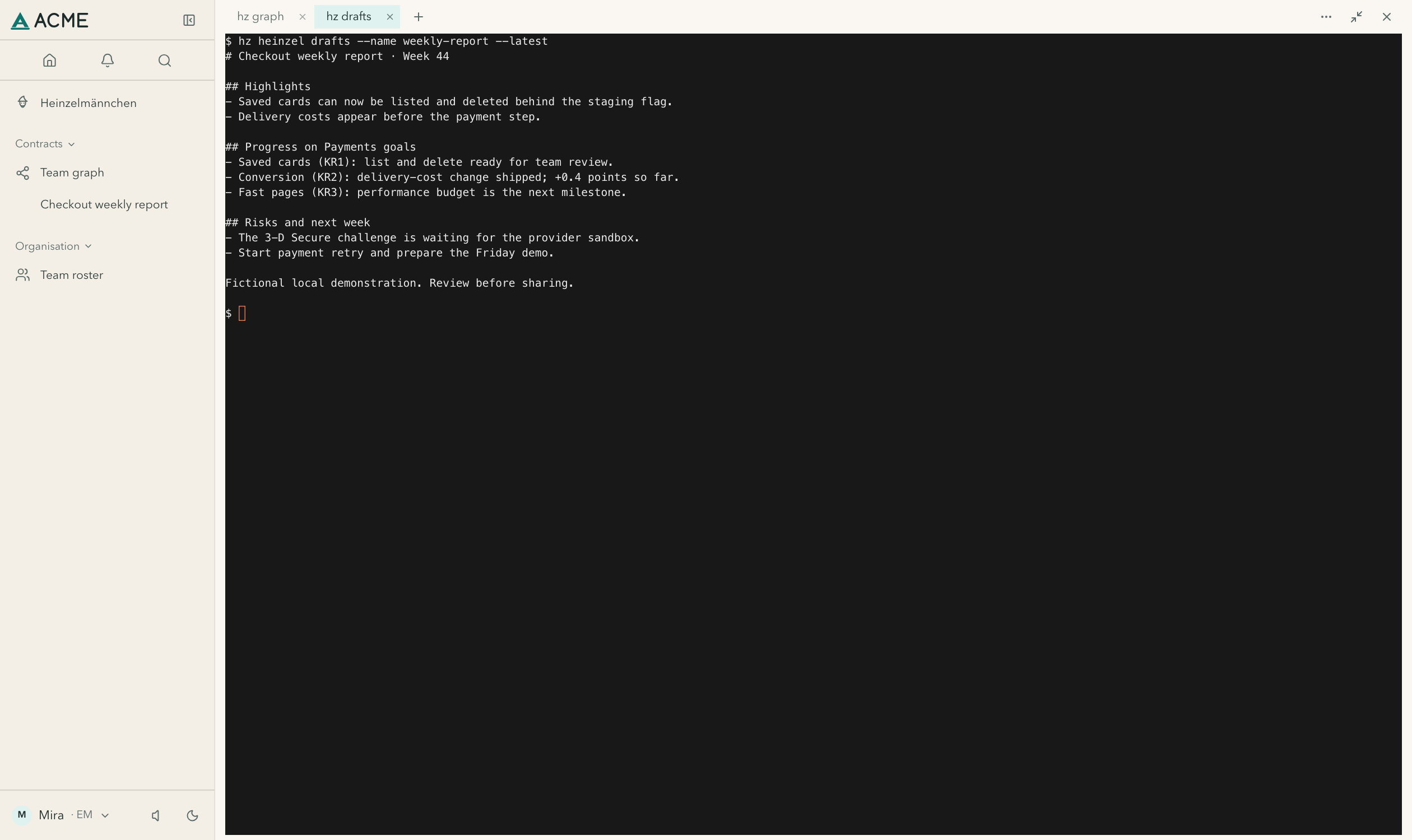
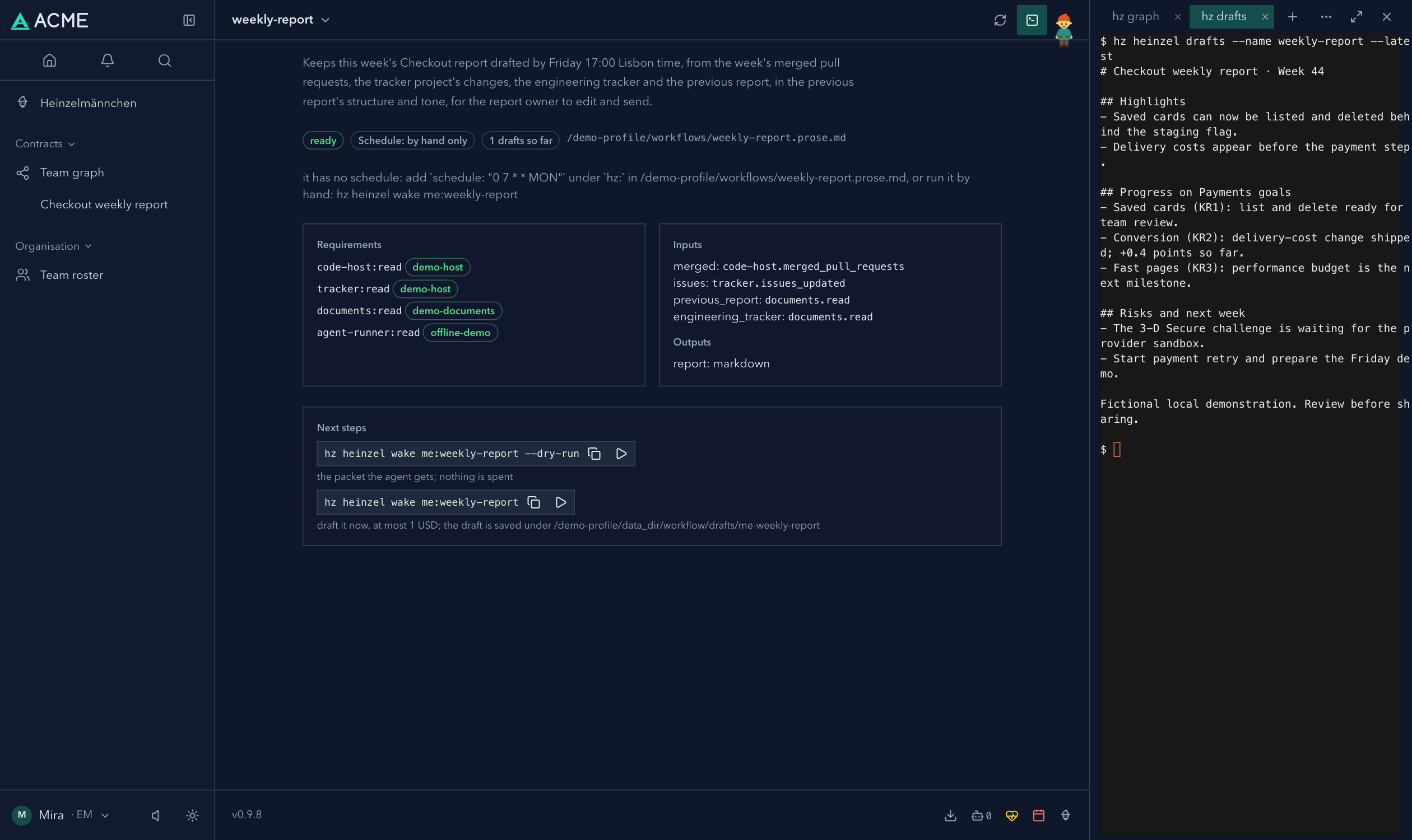
Keep useful commands beside the work.
The terminal opens beside the page you are on, with a tab for each command.

Swipe or scroll sideways. Select an image to zoom and inspect it.
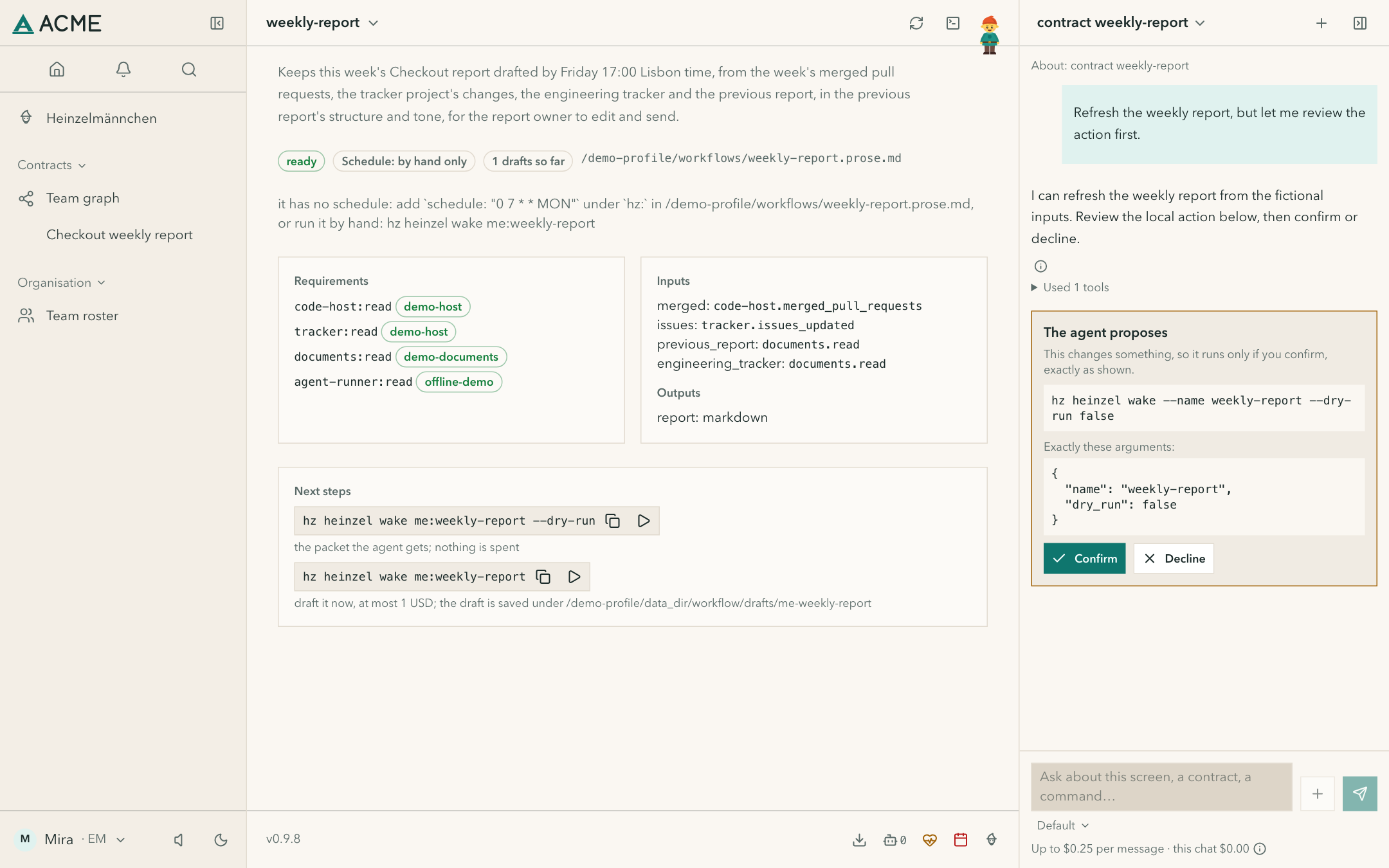
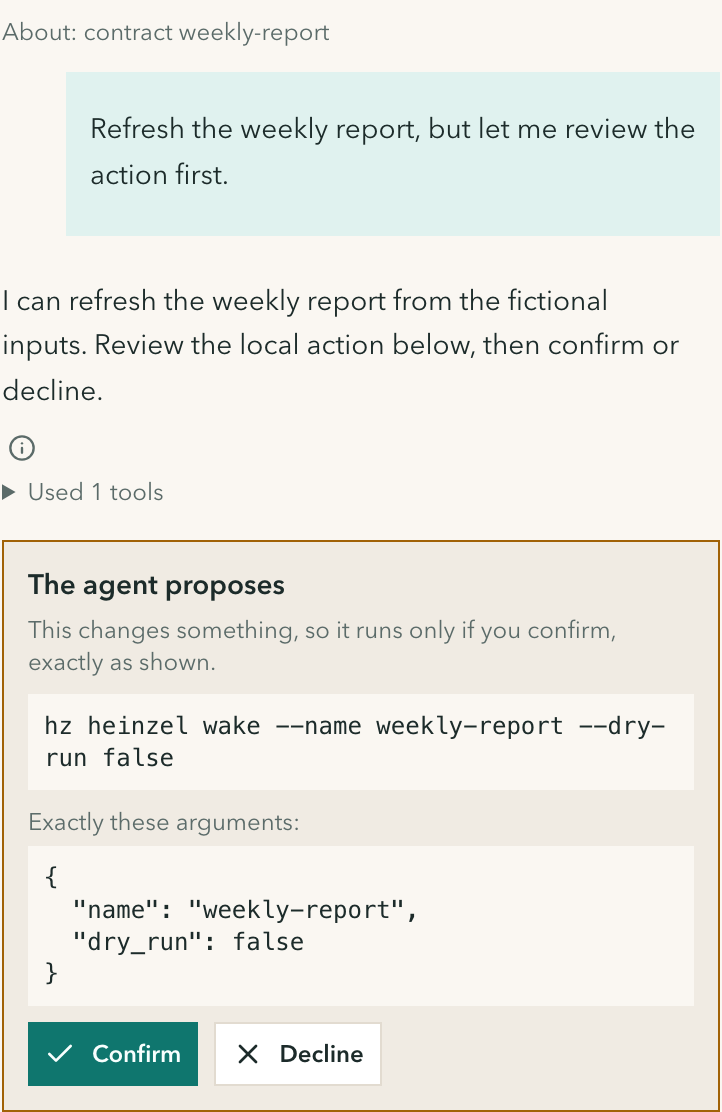
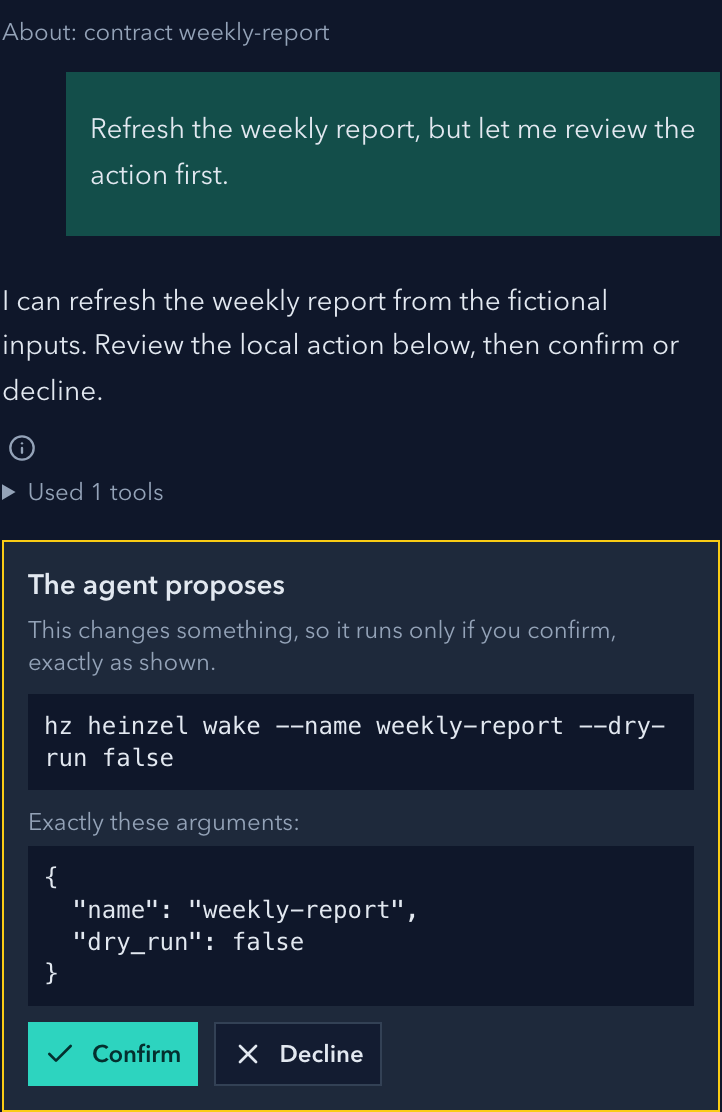
Ask here. Review the action before it runs.
Chat knows which contract you are looking at. When it proposes a change, you see the exact command first. This demo uses a scripted local runner: no model is called.
Swipe or scroll sideways. Select an image to zoom and inspect it.
Characters speak in an imagined voice; the screens are real. Install Heinzel to try them with your own tools, or read what your Heinzelmännchen does.