utilities / plugin
System Resources
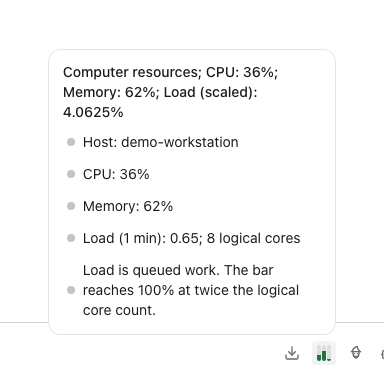
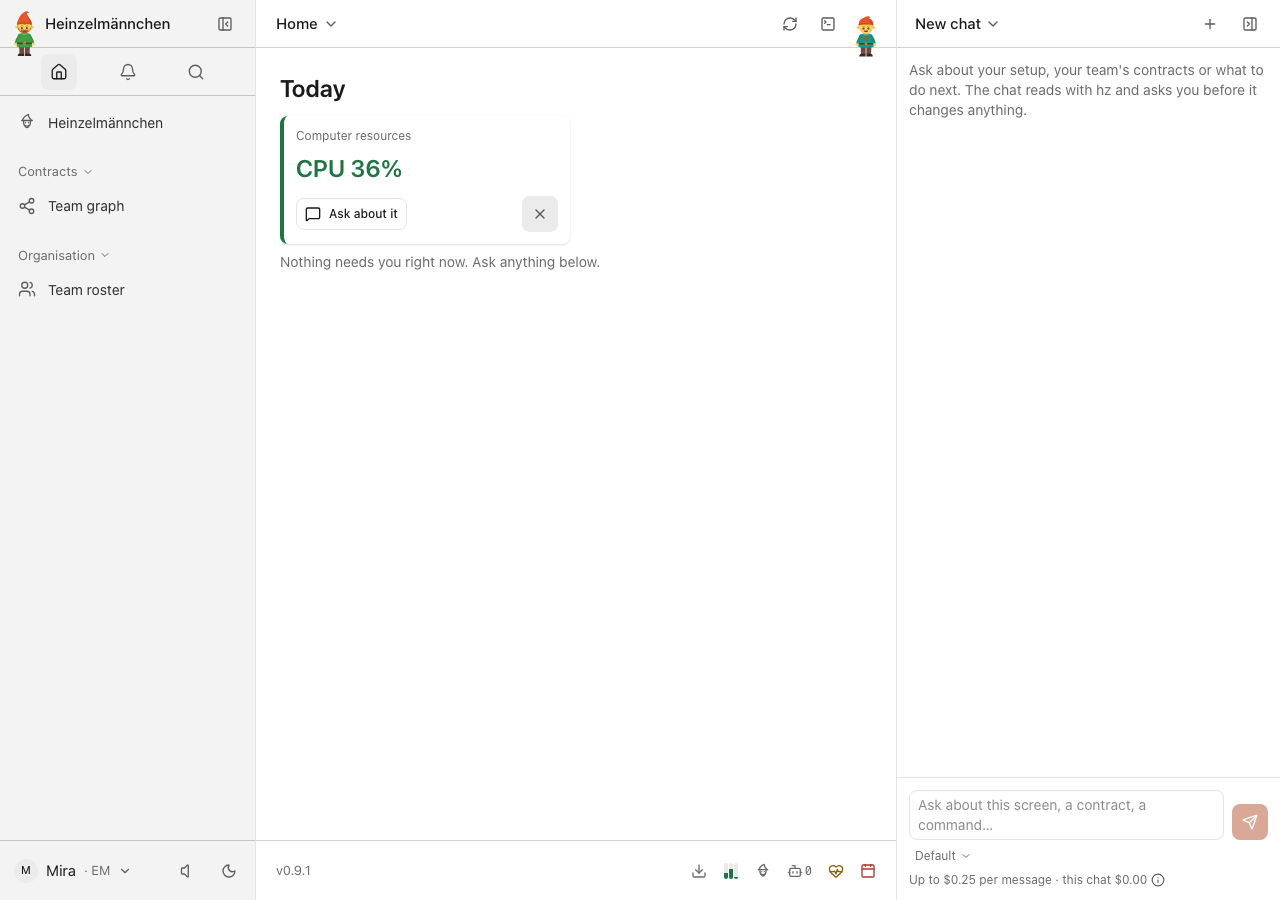
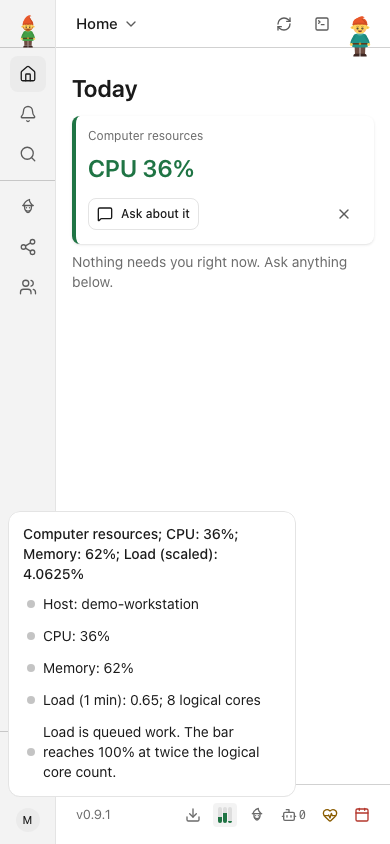
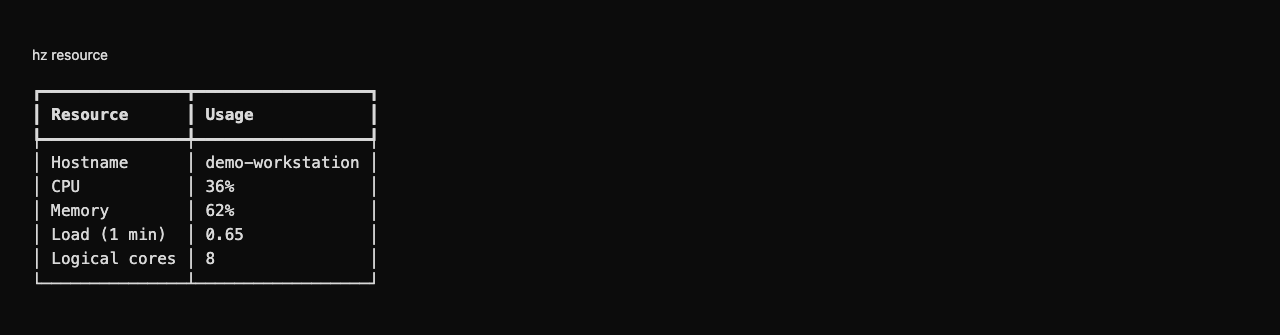
Machine CPU, memory and load with a compact visualizer.
Included in the standard app as version 0.1.1.
Screenshots
1 of 4
Swipe or scroll sideways to explore. Arrow keys work too; select an image to zoom and inspect it.
What it brings
- Live CPU, memory and system load
- Resource visualizer and Today widget
- Independently installed and tested utility
Install and try
hz system plugin add 'git+https://github.com/helmut-hoffer-von-ankershoffen/heinzel-plugins.git@b34b47c5c1c1873b3639bd27dcc7b3523c40a24b#subdirectory=plugins/heinzel-resource'
This command previews the immutable source. Review it, then repeat with --confirm to install.
Run hz system doctor afterward. Install Heinzel first.
Compatibility and ownership
| Property | Declared metadata |
|---|---|
| Distribution | heinzel-resource |
| Source version | 0.1.1 |
| Core requirement | <0.10,>=0.9.1 |
| Provides | See owning documentation |
| Requires | core:plugin-api@1 |
Compatibility is declared by the owner; catalog inclusion is not a certification. Runtime behavior and permissions are documented and tested in the owning repository. Theme illustrations show declared palettes, not a runtime screenshot.